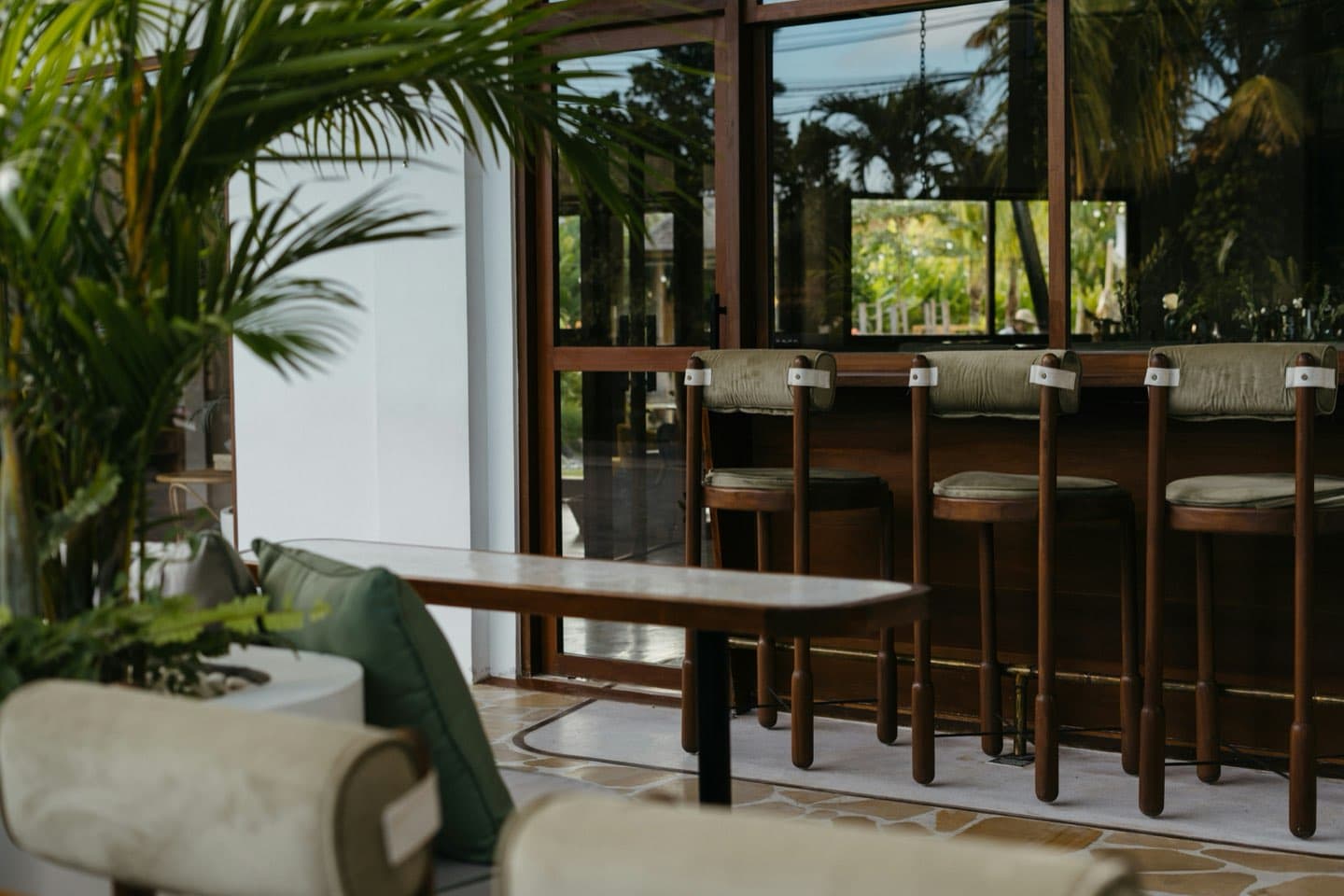
Which NFC point was tapped?
Counter · 01InkPersona TapNFC pages for physical businesses
Give your spacea digital layer.
Place Tap on a counter, table, card or product. One tap opens a branded page you can update and measure. No app required.
Works with NFC-enabled phones. QR fallback available.
Real InkPersona Tap pages linked to NFC points.
Tap to connect
North & Pine Café
Coffee, fresh pastries and seasonal brunch in Montréal.
One physical point.A living destination.
PlaceTapOpen
Tap connects a physical place to the next useful action.
Place it on a counter, table, card, package or product. A customer taps with their phone, and the page opens at once. No app.
Tap hereNFC touchpoint
Tap to connect
North & Pine Café
Coffee, fresh pastries and seasonal brunch in Montréal.
02 — The system
The object is onlythe beginning.
Every Tap opens a branded page you control. Its analytics show what people use.
Tap hereNFC touchpoint
NFC point
Place a small NFC point where customers already pause. It needs no battery or app.
03 — Always current
Change the page.Keep the point.
The NFC point stays in place. Update its page whenever the business changes. No new tag, card or stand.
Make it unique
Tap to connect
North & Pine Café
Tap editorDraft saved
View breakfast menuhttps://northpine.com/view-breakfast-menuOrder aheadhttps://northpine.com/order-aheadGet directionshttps://northpine.com/get-directions
04 — In the world
Made for places people already visit.
A counter, chair, table, product or package can lead straight to the next useful action.
Demonstration · Counter
North & Pine Café
Menu · Order ahead · Directions · ReviewsTap to connect
North & Pine Café
Coffee, fresh pastries and seasonal brunch in Montréal.
05 — Made to belong
Tap should look like the place it lives in.
InkPersona stays in the background. Each Tap page carries the business’s own identity, content and actions.
Tap to connect
North & Pine Café
Coffee, fresh pastries and seasonal brunch in Montréal.

Tap to connect
Luna Nail Bar
Manicures, pedicures and custom nail art.

Tap to connect
Atelier No. 8
Coiffure, coloration et mise en plis dans un espace moderne où chaque détail compte.
Counter · Card · Sticker · Custom placement
06 — The signal
See what follows each tap.
See which NFC point people tapped, which links they opened and when they visited.
Demo data. Not customer results.
Which link did the visitor open?
Seasonal menuWhen did it happen?
Today · 11:4207 — The pilot
Start with one useful point.
We choose the placement, build the page and program the NFC point. Then we launch it with you and learn what people use.
Every pilot includes
- 01A branded Tap page
- 02An NFC point made for the placement
- 03Client workspace and editing access
- 04Tap, link and source analytics
- 05Setup and launch support
Every pilot starts with the space, not a preset package.
Pilot inquiry
Tell us where Tap should live.
Tell us about the business and the moment. We will help decide what Tap should do next.
Common questions
What to know.
01Do customers need an app?+
No. Most modern NFC-enabled phones can open Tap directly. A QR fallback can support other devices.
02Can the page change after the NFC point is installed?+
Yes. Update the page without replacing the tag, card or stand.
03Does Tap replace the business website?+
No. Tap handles the immediate moment. It can lead visitors to a website, menu, booking page or another useful action.
04Can staff update it?+
Authorized staff can update business details, links and page design in the Tap workspace.
05What can Tap measure?+
Tap tracks page views, NFC taps, link opens and the NFC point behind each visit.
06Which physical format should we use?+
We choose the format after we understand the placement and space.