Menu
Give customers a direct link to your menu. Keep it easy to find at the counter.
TAP / FOR CAFÉS
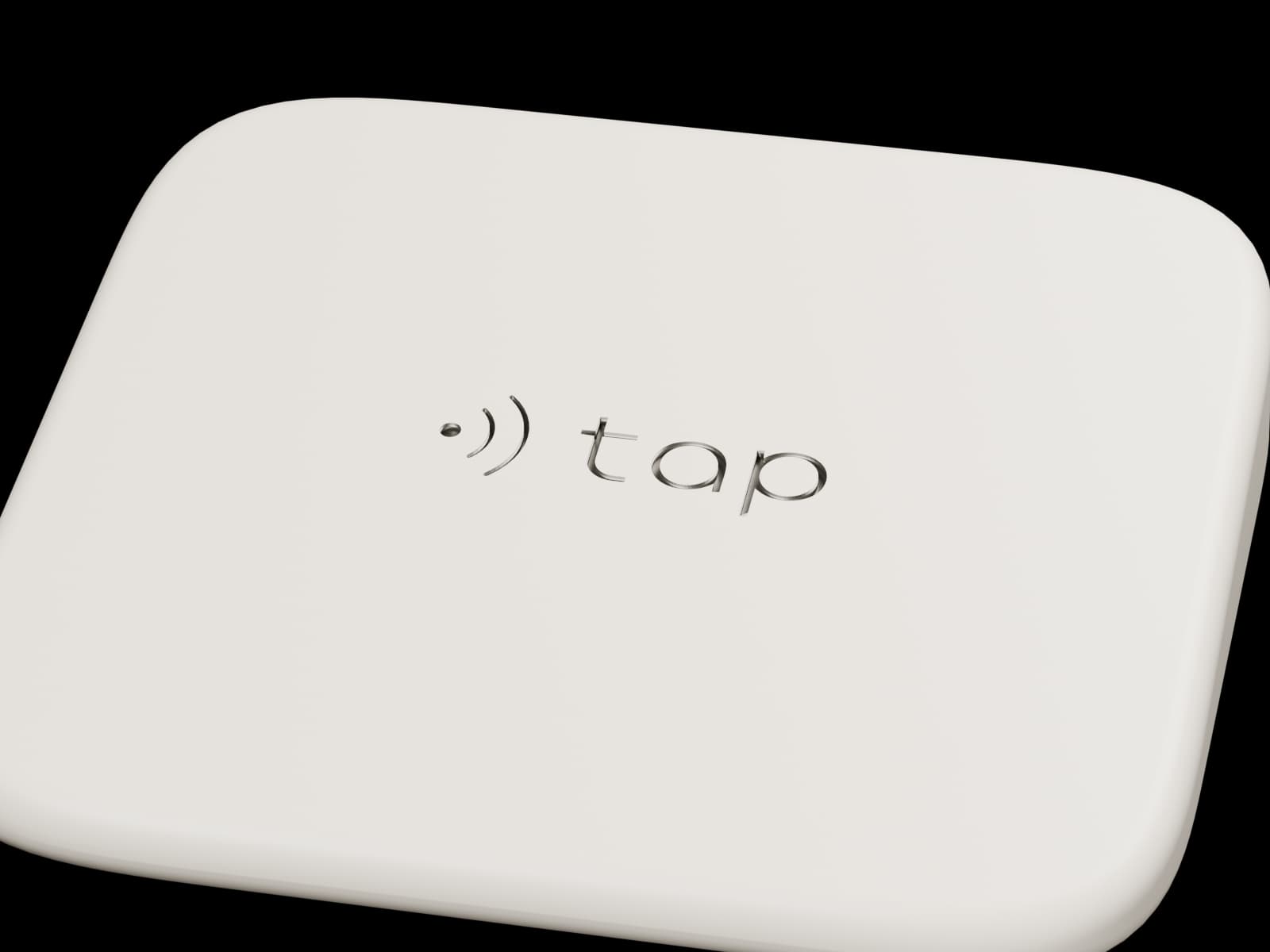
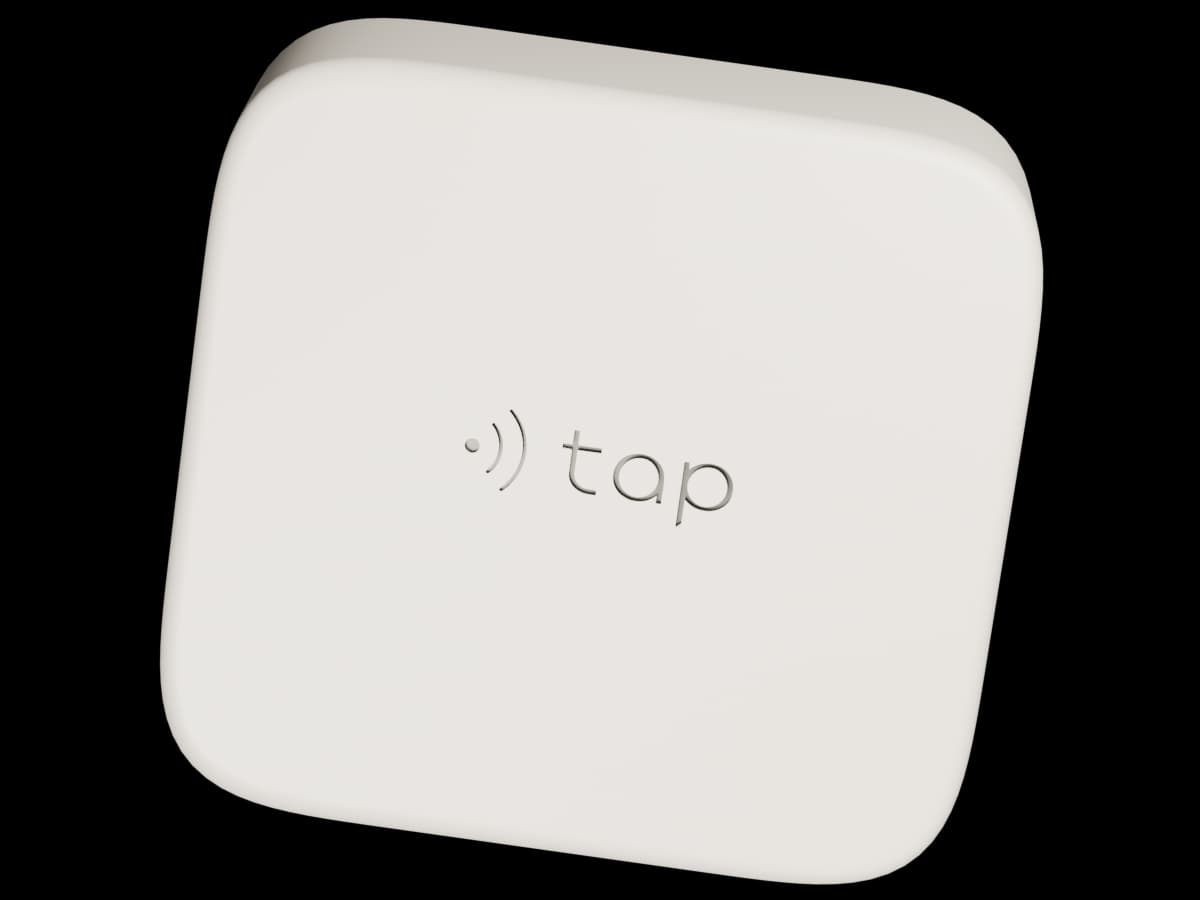
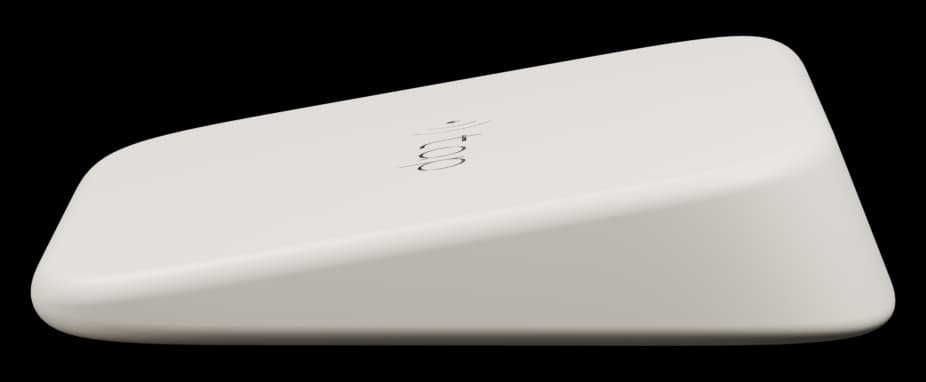
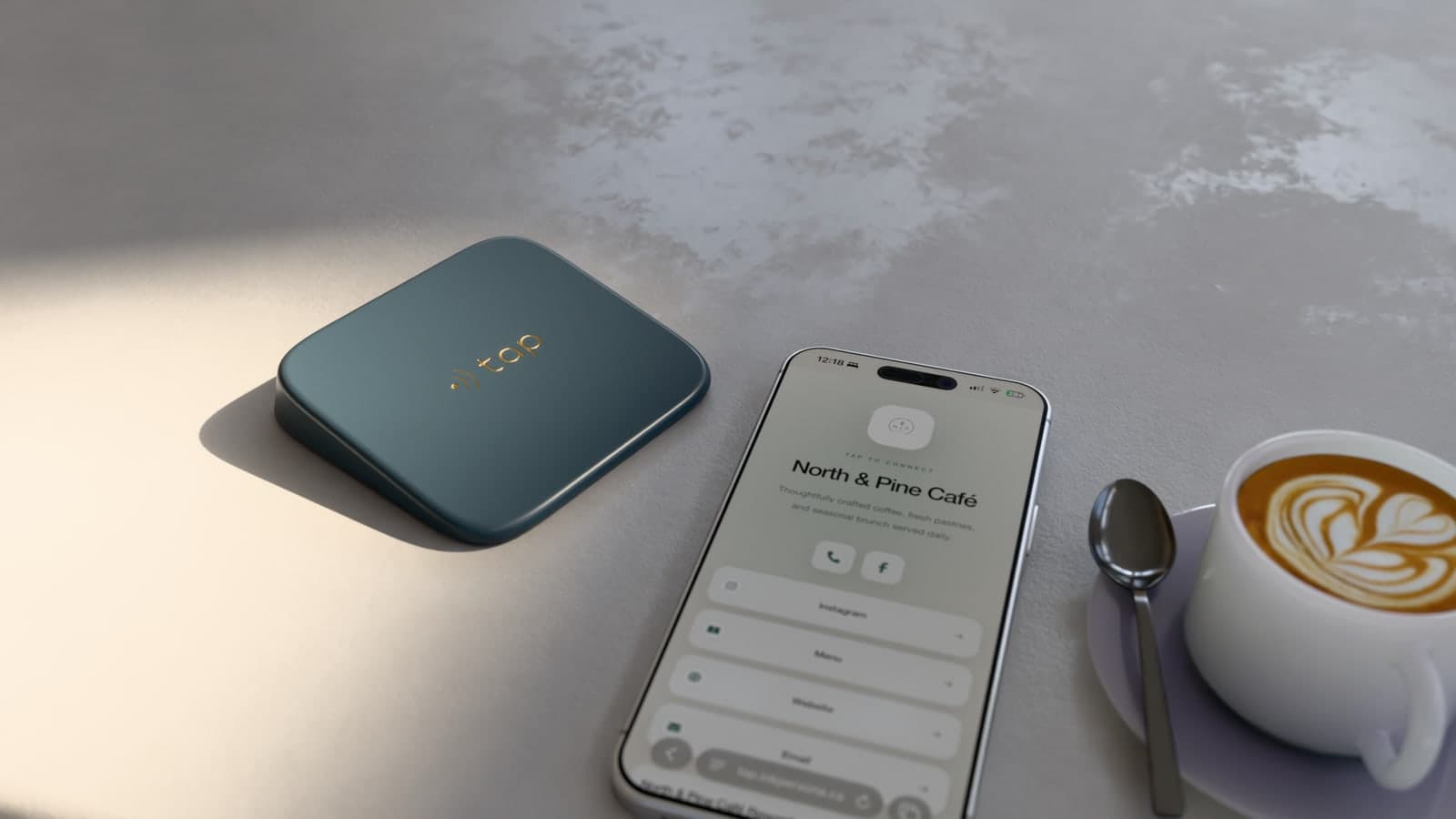
A small device on your counter opens a page made for your café. Customers can view your menu, follow your Instagram, leave a Google review, and find your important links in one place.
No app required for customers.
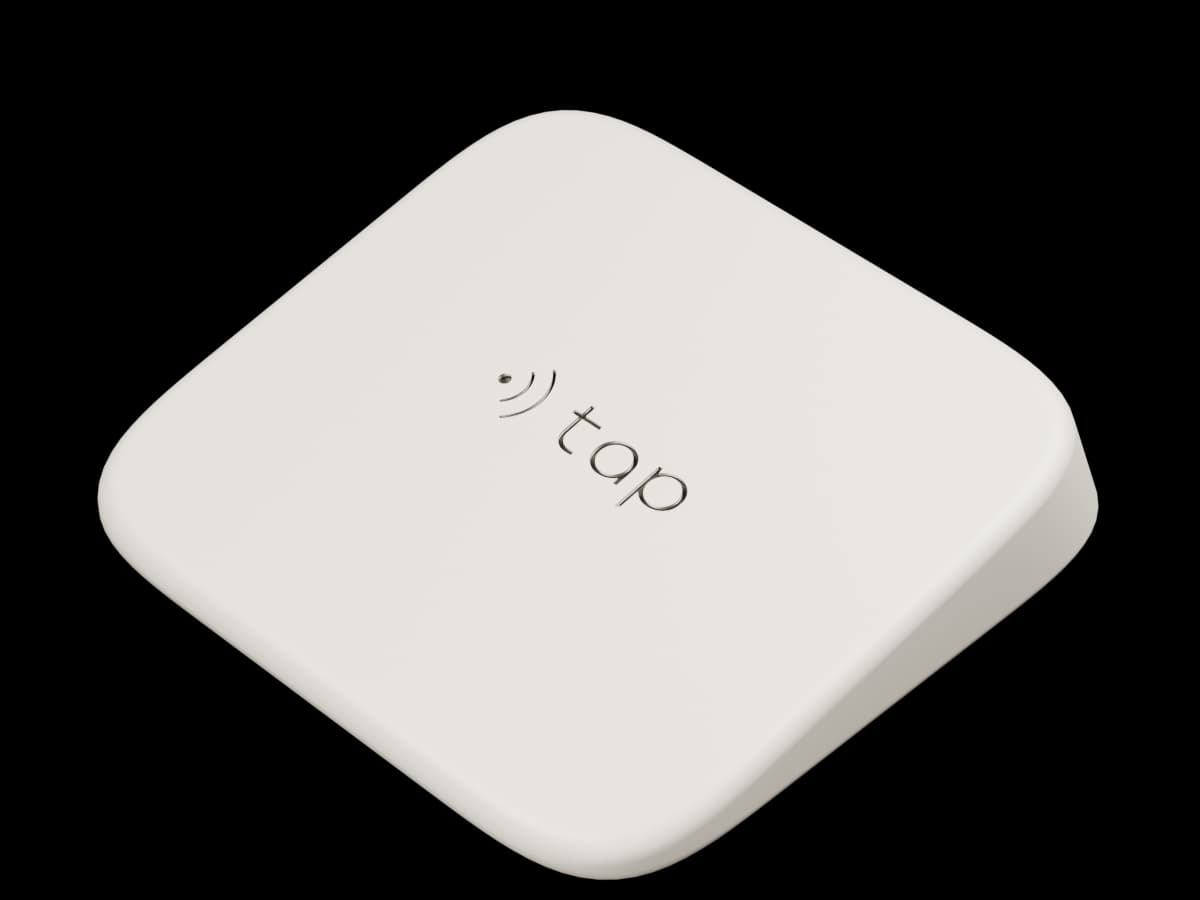
Each Tap device opens a page made for your café. Your menu, social accounts, and useful links are available in one place.

TAP TO CONNECT
Coffee, fresh pastries and seasonal brunch in Montréal.
Use the sample page to explore the links your customers can open.
Sample café. These buttons show examples.
Give customers a direct path to your most useful information.
Give customers a direct link to your menu. Keep it easy to find at the counter.
Make it easy for customers to open your Google review page and share their experience.
Give customers a direct link to your Instagram profile, where they can see your latest posts and follow your café.
Keep your website, contact details, and other useful links together.
Share your café’s name, logo, and links. We use them to prepare your Tap page.
Customers tap the device with a compatible phone to open your page.
Use your Tap workspace to update your links when your menu, website, or social accounts change.
Your Tap page uses your café’s identity. Add your logo, choose your colours, and arrange the links your customers need.
Tap connects a physical counter device to a digital page for your café. We help you prepare it for use.
We confirm device options, setup costs, ongoing pricing, taxes, and any commitment before you proceed.
Get Tap for your caféNo. Tap opens a web page in the customer’s phone browser when used with a compatible device.
Yes. You can update the links on your Tap page in your workspace without replacing the NFC device.
Tap can direct customers to your café’s Google review page. Customers write and submit their reviews on Google.
No. Your Tap page gives customers a convenient way to access your existing website and other links.
Your café’s name, logo, and the links you want to share. We can confirm the other details during setup.
Tell us about your café. We’ll contact you with the next steps for setup and pricing.
No account or payment details needed to send an inquiry.